





























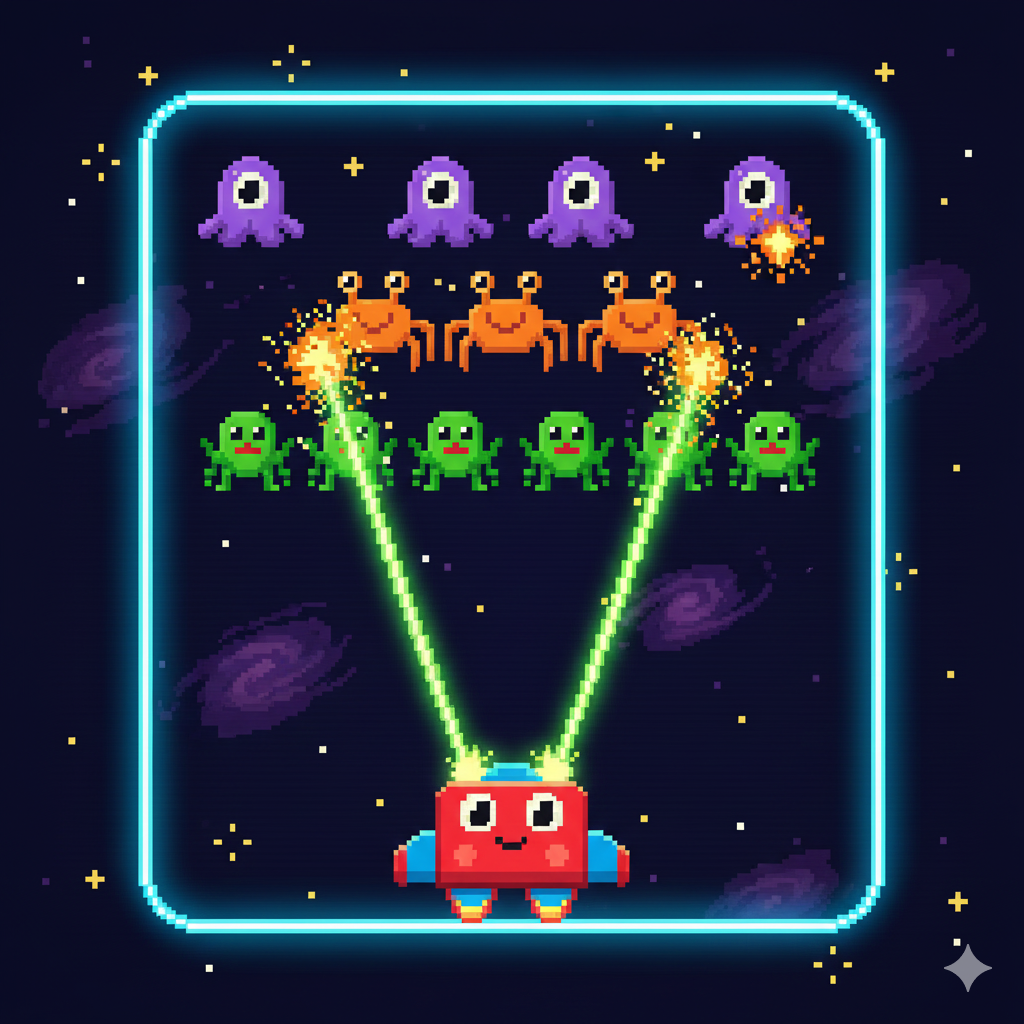
Play Space Invader – A Classic and Action-Packed HTML5 Arcade Shooter
Defend your planet in Space Invader, an HTML5 arcade shooter inspired by classic retro games. In this fast-paced experience, you control a spacecraft armed with a laser cannon and face wave after wave of incoming alien enemies.
The challenge grows as enemies move faster and appear in larger numbers, testing your reflexes and accuracy. Players must carefully time their shots, dodge enemy attacks, and stay alert to survive each level. The simple controls make it easy to play, while the increasing difficulty keeps the action exciting.
With its retro-style visuals and smooth gameplay, Space Invader brings back the fun of classic arcade shooters while remaining easy to enjoy on modern devices. It’s a great choice for players who love quick action, nostalgic design, and browser-based games that don’t require downloads.
Advertisement
Game Information
- Mouse/Touchpad: Most HTML5 games use the mouse or touchpad for primary interactions. For example:
- Click: Click to select options, start the game, or perform actions like shooting or jumping.
- Drag and Drop: For games involving dragging elements, hold the left mouse button and move the mouse to drag objects.
- Keyboard: Some games might require keyboard input. Common controls include:
- Arrow Keys (↑, ↓, ←, →): Move your character, navigate menus, or control in-game movement.
- Spacebar: Often used for actions like jumping, shooting, or pausing the game.
- Enter/Return: Start the game or confirm selections.
- Esc: Pause the game or access the game menu.
- Game Objectives:
- Read the game’s objective, usually provided on the start screen or within a tutorial.
- Follow any in-game prompts or tutorials that guide you through the first few levels or actions.